7 posts tagged with "gps tracks"

View all tags

Guru Maps 6.4: your trip as a 3D video, a clearer map and transit routes

· 7 min read

Evgen Bodunov
Founder of Guru Maps

Guru Maps 6.4 is out for iPhone, iPad, Mac and Apple Watch. The Android version is coming soon, and it will appear here first, on our Android download page. A new version of our map engine draws a clearer map, a recorded track turns into a 3D video, transit stops list their routes, and opening hours follow the place's own clock.

Every example below is a real place, shown by the app as you get it today. Here is our climb to the Trzy Korony in the Pieniny, 4.6 km and 493 m up, as Guru Maps shares it:
How Guru Maps counts your climb

· 8 min read
Evgen Bodunov
Founder of Guru Maps

Climb is the number many of us check first after a hike. It sounds simple: add up every meter you went up. It turns out that "add up every meter" is exactly where things go wrong.

In May we went rafting down the Dunajec. A river only flows downhill: about 90 meters in four and a half hours. Guru Maps said we had climbed 1,065 meters.

Here is how Guru Maps counts elevation gain, why that happened, and what we changed in the next update.

Meet Guru Maps for Apple Watch

· 3 min read
Evgen Bodunov
Founder of Guru Maps

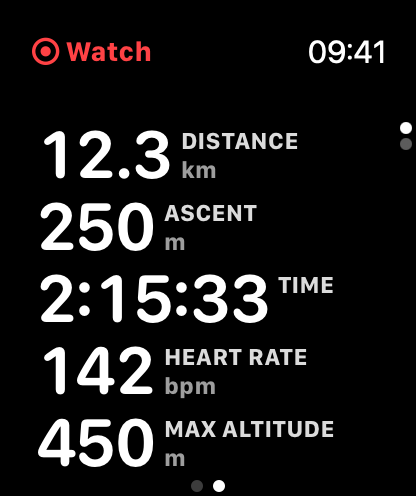
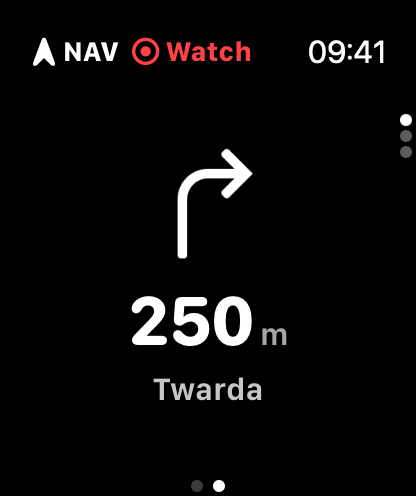
Guru Maps is now on Apple Watch! 🎉 Keep your iPhone in your pocket and follow your route or record your activity right from your wrist.

The idea is simple: your iPhone plans, your Watch follows and records. You pick a route or start an activity, and the Watch keeps the essentials in front of you — where to turn, how far to go, and how you're doing.

Live activity metrics on Guru Maps for Apple Watch Turn-by-turn directions on Guru Maps for Apple Watch

Trimming a GPS track

· One min read
Yulia Musaeva
Product Manager at Guru Maps

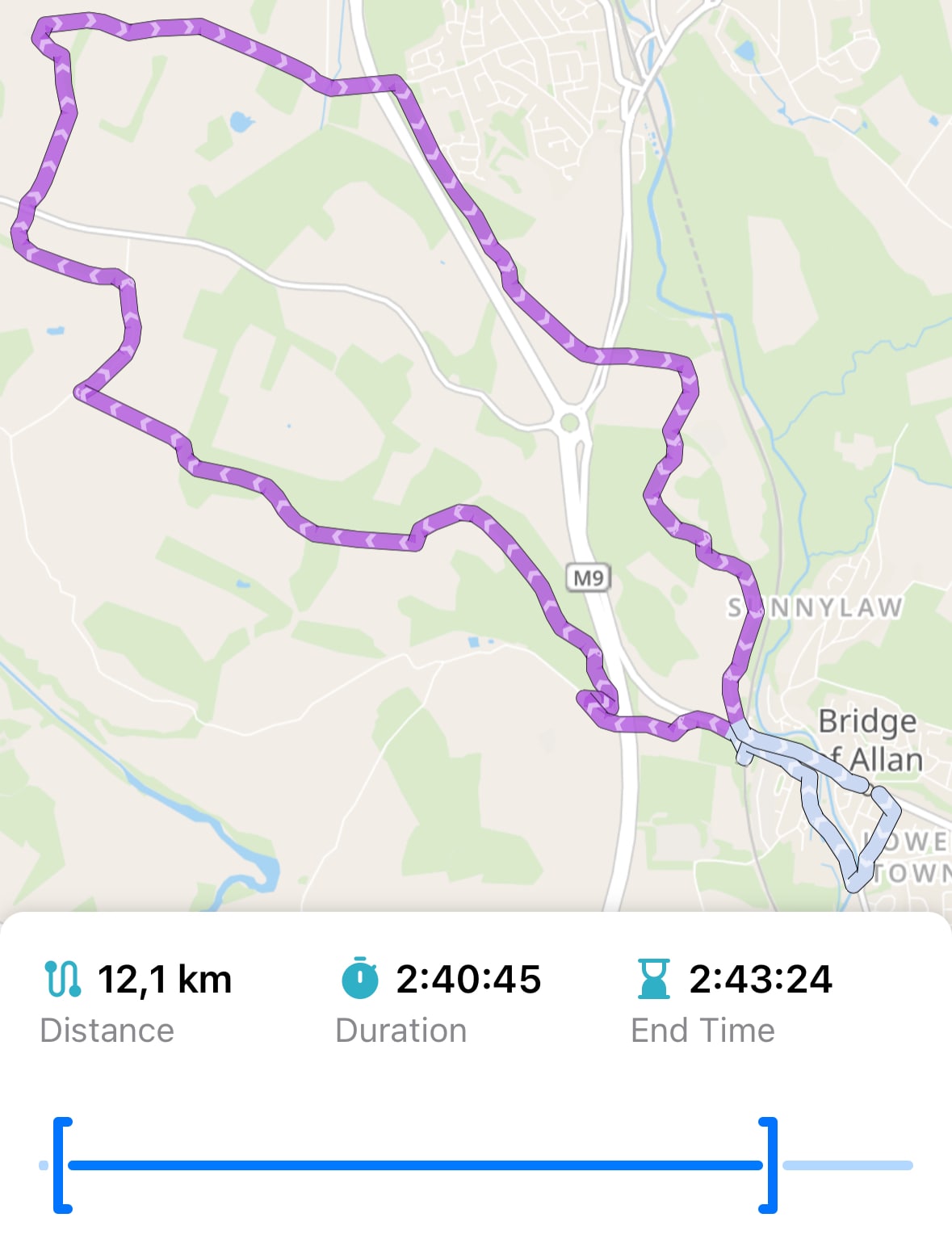
Sometimes when you're recording a GPS track in Guru Maps, you might accidentally leave recording running or start it too early. Now you can trim the track from its beginning or end using the Trim Track feature.

Trim track within the Guru Maps app

Understanding GPS filtering

· 3 min read
Yulia Musaeva
Product Manager at Guru Maps

While recording a track, the app continuously retrieves data from your device's GPS module, updating the current position on the map in real time — typically every second to produce highly detailed tracks of your activities. The challenge is that sometimes (especially when accuracy is low) the values vary significantly, causing the current position to “jump” between distant points on the map.

The latest mobile phones are highly accurate and can locate your device with a precision of up to three meters, but environmental factors and device settings can still significantly affect accuracy.

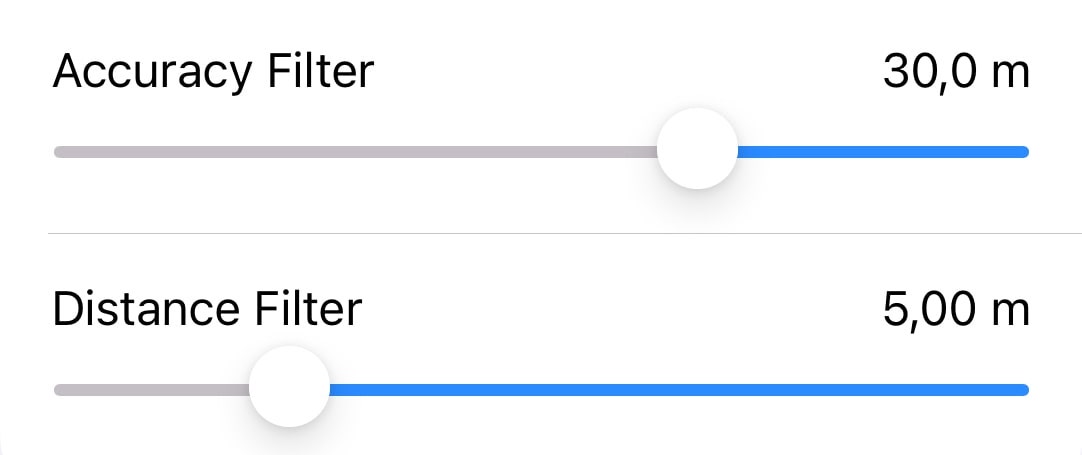
With the GPS filtering feature, Guru Maps users can rely on more accurate and dependable recorded tracks for activities like hiking, cycling, or off-road adventures where precision matters.

GPS filters in Guru Maps application

Analysis and visualization of GPS tracks

· 4 min read
Yulia Musaeva
Product Manager at Guru Maps

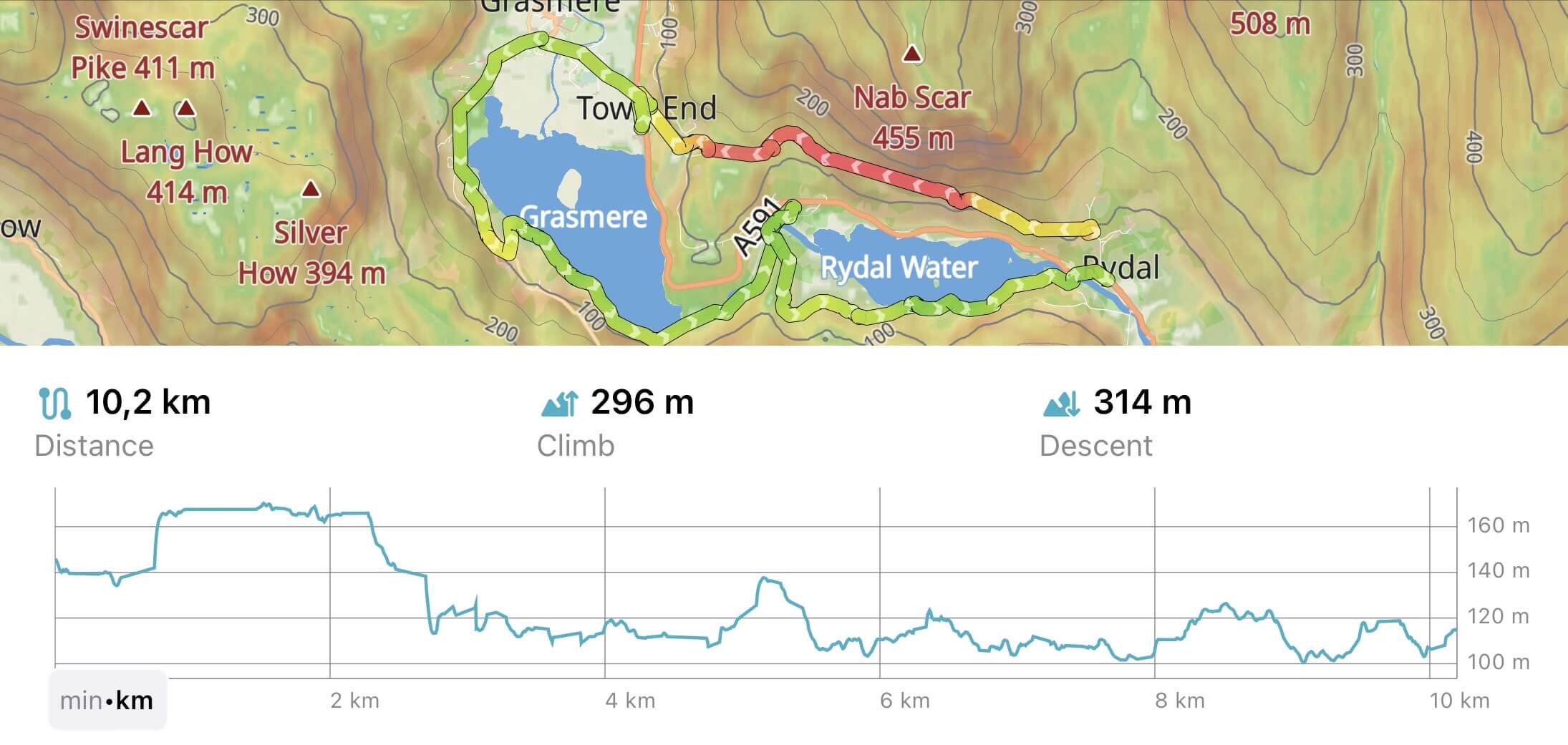
Our team has been hard at work for the last few months, and we are delighted to introduce all-new GPS track analysis and visualization features in Guru Maps, available with v5.4.0.

Whether you are hiking, biking, running, or simply strolling through the great outdoors, these new features empower you to analyze and visualize your activities in Guru Maps like never before.

GPS track recording in Guru Maps