12 posts tagged with "release notes"

View All Tags

Gift codes for Universal License

· 2 min read
Yulia Musaeva
Product Manager at Guru Maps

You asked for more flexible ways to buy Guru Maps Pro, and now there is one. Starting today, you can buy gift codes for the Universal License right from your web profile — and hand them out to anyone you like.

No more sharing account credentials to equip a teammate. No more awkward workarounds to gift Pro to a friend. One purchase, however many codes you need, distributed your way.

Redeem gift code in Guru Maps

Online vector maps and ocean depths

· 2 min read
Yulia Musaeva
Product Manager at Guru Maps

With Guru Maps 6.1, you no longer need to download an entire region just to explore it in detail. Vector map data and elevation are now streamed directly to your device as you browse — open the map and start exploring right away.

What changed

Online raster maps have been part of Guru Maps for a while. In version 6.1, vector maps and elevation data work the same way — streamed over your internet connection and cached locally so repeated use stays fast.

In practice, this means crisp, detailed vector maps with no waiting for a region download to finish. Just open and go.

Opening hours

· 2 min read
Yulia Musaeva
Product Manager at Guru Maps

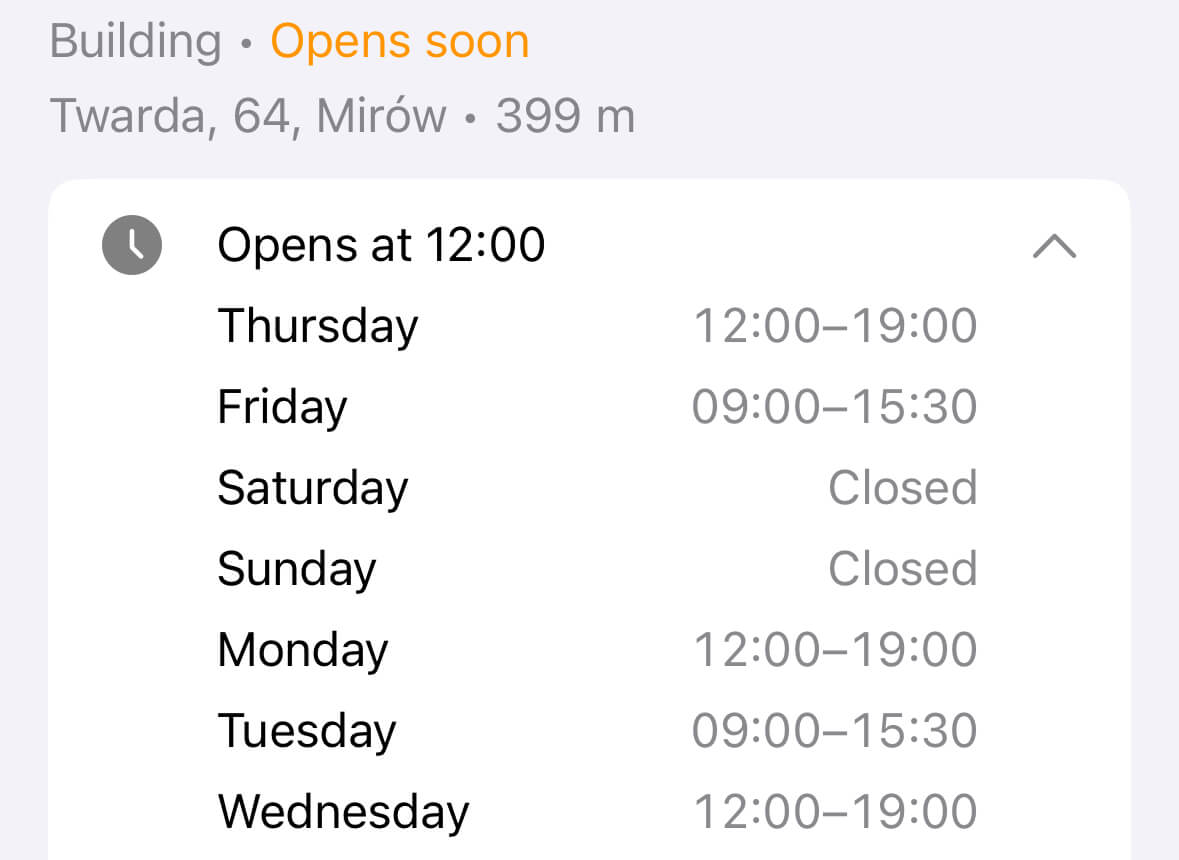
Opening hours are essential information when exploring places like shops, cafes, or restaurants. With the latest update, Guru Maps now shows opening hours for objects directly on the map — if they are available on OpenStreetMap.org.

You can instantly see whether a place is open or closed at the moment. Just tap on the object to expand and view the full opening schedule, all in one place.

Opening hours in Guru Maps

Recover deleted items

· 2 min read
Yulia Musaeva
Product Manager at Guru Maps

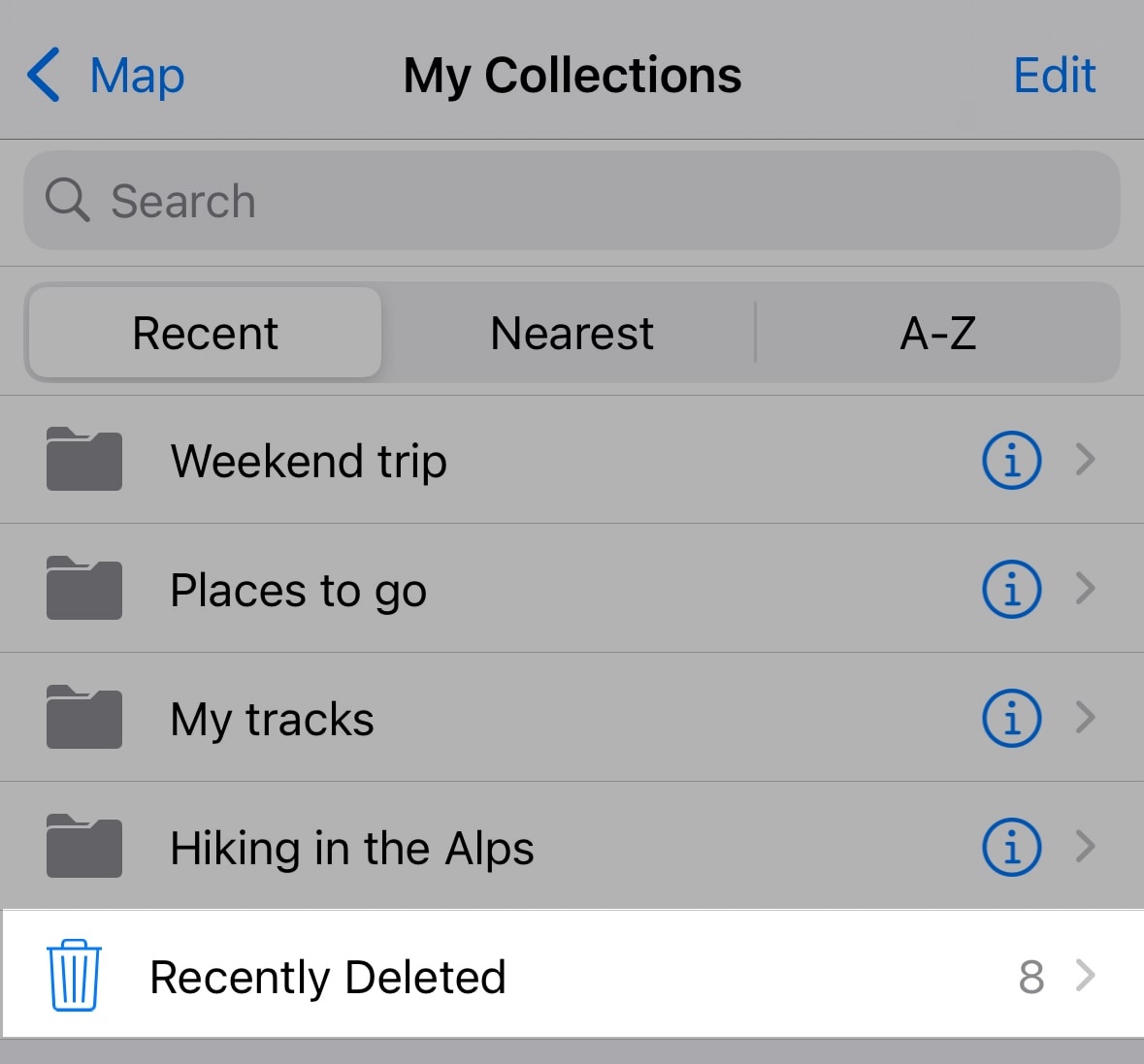
We’re excited to introduce a new feature in Guru Maps — the Recently Deleted folder!

Have you ever accidentally deleted a track, folder, pinned place, or route? Don’t worry — now those items aren’t lost forever. With this new feature, anything you delete is moved to a special folder where you can recover it if needed.

Recently Deleted in Guru Maps

Android Auto is here

· One min read
Yulia Musaeva
Product Manager at Guru Maps

Meet the Android Auto support in the latest Guru Maps update for Android! 🎉

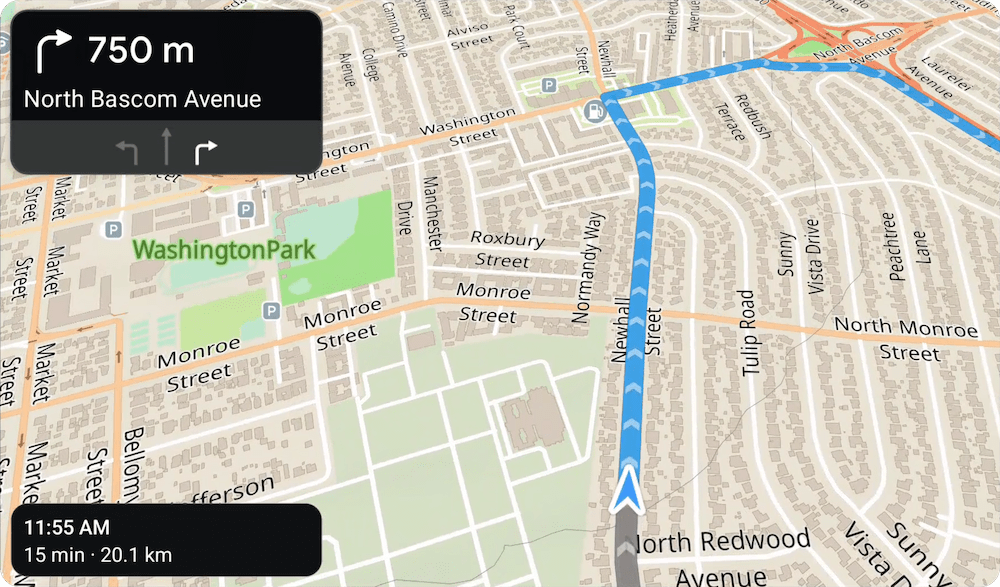
You can now use Guru Maps right from your car’s dashboard. Search places, build routes, and access your favorite locations — all without picking up your phone.

This works perfectly with our recently added lane guidance and perspective map view, which shows a clear visual path along your route. Together, they make both road trips and off-road adventures easier to follow.

Android Auto with Guru Maps

Lane guidance in Guru Maps

· 2 min read
Yulia Musaeva
Product Manager at Guru Maps

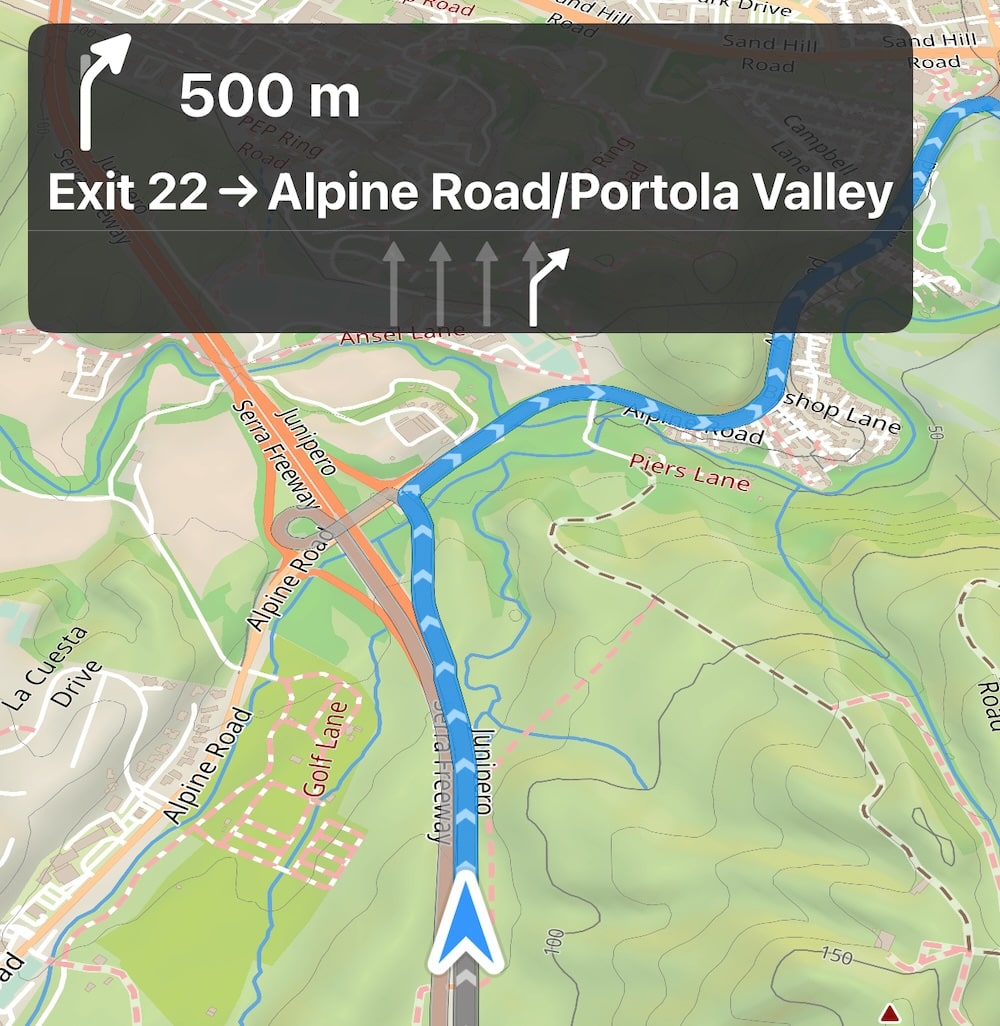
We’ve got some exciting news for all Guru Maps drivers — a new Lane Guidance feature has just rolled out to make navigation even more intuitive and stress-free.

Whether you're driving a car, riding a motorcycle, or behind the wheel of a truck, staying in the correct lane is now easier than ever. In navigation mode, Guru Maps now shows visual lane indicators on your screen to help you prepare for upcoming turns, exits, and complex intersections.

Lane Guidance in Guru Maps

Outdoor activities search category

· 2 min read
Yulia Musaeva
Product Manager at Guru Maps

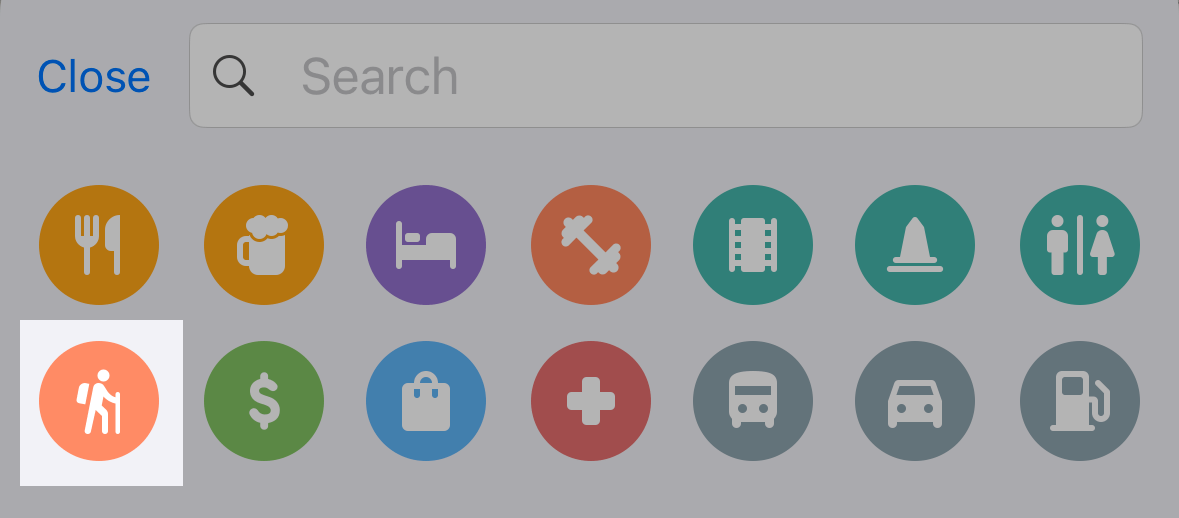
We’re excited to announce a new search category designed to make your outdoor adventures easier and more organized! Our new outdoor activities quick search category is now live, allowing you to find outdoor spots like camping sites, caravan areas, fishing locations, picnic sites and tables, water sources, shelters, and alpine huts—all with just a few taps!

Outdoor search camping

Map tilt support in Guru Maps

· 2 min read
Yulia Musaeva
Product Manager at Guru Maps

We're excited to announce a new feature in Guru Maps for iOS and Android starting with version 5.6.0 - the ability to change the map’s tilt.

When following directions, a tilted map perspective can be more intuitive than the traditional overhead view. This perspective simulates what a traveler sees when looking at the road ahead, making navigation more user-friendly and realistic.

Precipitation intensity map overlay

· 2 min read
Yulia Musaeva
Product Manager at Guru Maps

We're thrilled to announce the new real-time weather map layer that shows the Precipitation Intensity within the Guru Maps app. Whether you're hiking through the mountains, cycling across town, or motorcycling down scenic routes, staying informed about precipitation intensity can significantly impact your safety, visibility, and overall experience.

Why precipitation intensity matters

Weather conditions are a critical factor to consider when planning any outdoor route. Understanding the instantaneous precipitation rate at ground level can help you make informed decisions about whether to start your journey or when to take breaks.

Precipitation Intensity Map Overlay